Receipt scanning
Keep Receipts with Every Expense
Keep proof of purchase right next to the transaction. On the web you attach a photo or PDF of the receipt; in the Budgetku Android app, which is being prepared for Google Play, receipt scanning also reads the receipt to fill in the transaction.
Start using BudgetkuPlans: Free Rp 0 forever · Pro Rp 59,000/month · Business Rp 159,000/month · Compare plans
Attach Receipt Photos or PDFs on the Web
When you record an expense on the web, pick a receipt photo from your gallery, take one with your phone's camera, or upload a PDF. You can attach receipts while creating the transaction or later via Edit, up to 5 attachments per transaction and 5 MB per file. Photos are compressed before upload to save space.
Receipt Scanning in the Android App
The Budgetku Android app is being prepared for Google Play and isn't publicly available to download yet. In that app, the Scan receipt button on the expense form opens the camera, then reads the amount, date, time, merchant, and purchased items on the device. You see the result first, and anything that couldn't be read is marked as such instead of guessed. Once you approve it, the amount, date, and time fill in the form, the merchant and items go into the note if it is still empty, and the photo is attached as proof.
Find Expense Evidence When You Need It
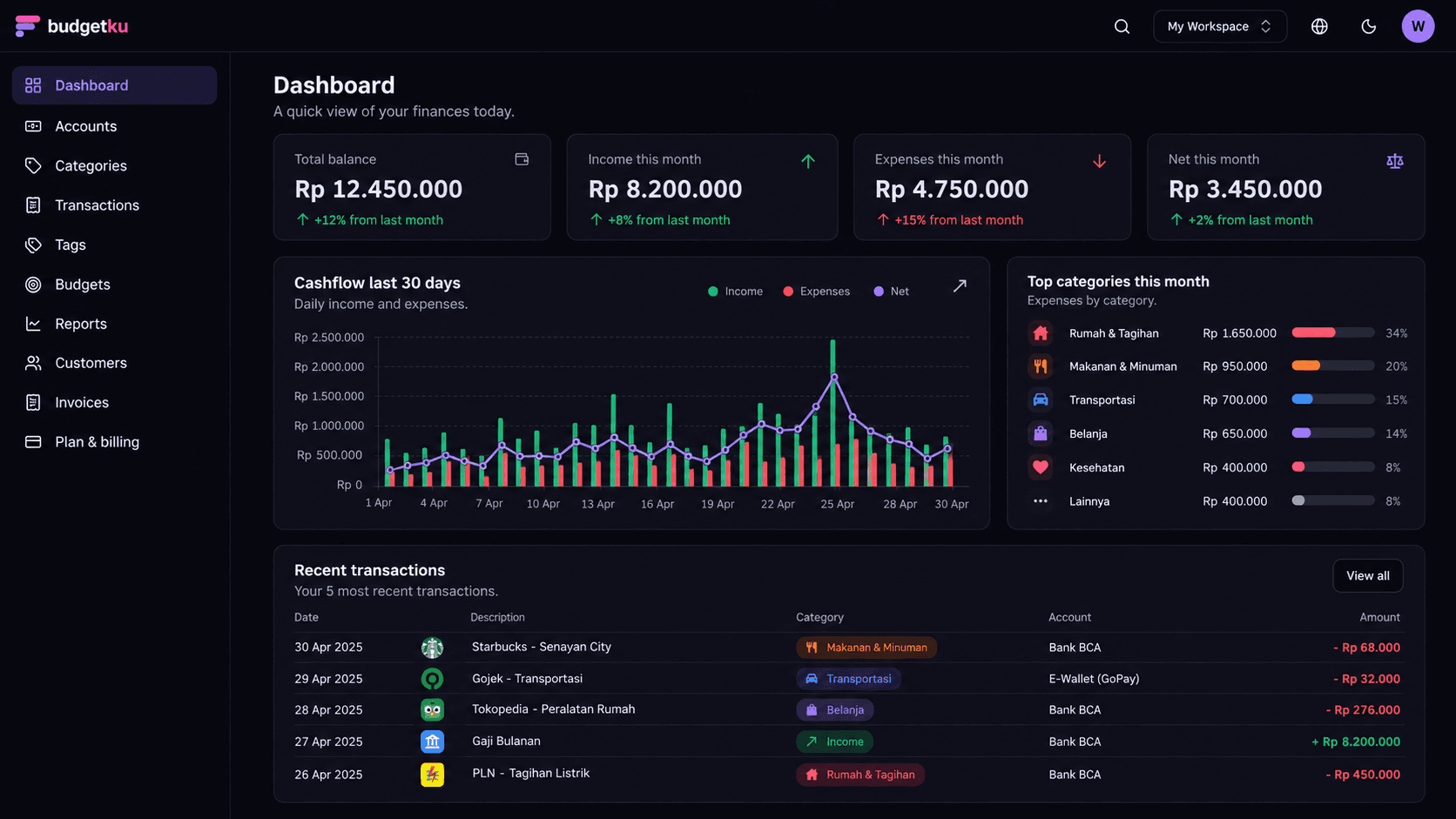
Transaction history and attachments help you trace personal or business spending later, for example when checking a credit-card statement or preparing an expense claim. Filter transactions by category, tag, or account, and use the category report to see where most of your spending goes.
Features that support receipt records
- Receipt photo or PDF attachments on web transactions, up to 5 per transaction.
- Receipt scanning in the Android app (being prepared for Google Play): amount, date, time, merchant, and items.
- Expense categories, tags, and transaction history.
- Monthly budgets and category reports to monitor actual spending.
Benefits of keeping transaction evidence
- Receipt photos attached to records provide context when you revisit older expenses.
- Regular recording makes everyday spending easier to review than relying on memory.
- Records and receipts work for personal or business use. Keeping them in separate workspaces requires the Pro or Business plan.
Questions about receipt scanning
Is receipt scanning available on the web?
Automatic receipt reading is in the Budgetku Android app, which is being prepared for Google Play and isn't publicly available to download yet. On the web, receipts are saved as photo or PDF attachments, and you enter the amount and date yourself.
Which receipt file formats and sizes are supported?
On the web you can attach JPG, PNG, WebP, or PDF files of up to 5 MB each after compression, with up to 5 attachments per transaction. You need to verify your email address before uploading receipts.
How much storage is there for receipt attachments?
Attachment storage follows the workspace's plan: 100 MB on Free, 2 GB on Pro, and 10 GB on Business. When it's full, delete old receipts or upgrade your plan for more space.
Is a scanned receipt saved straight away?
No. In the Android app, the scan result is always shown to you first, because a blurry or faded receipt can be misread. You can use the result, fill in anything that couldn't be read yourself, or just attach the photo as proof.
Ready to get your finances in order?
Sign up free, no credit card needed. The Free plan covers unlimited accounts and transactions, monthly budgets, and cash flow reports. Upgrade only when you need more.