Online small business invoices
Online Invoicing for Your Small Business
Create invoices in the same finance app as your business records, so customers, bills, and payments can be managed more consistently.
Start using BudgetkuPlans: Free Rp 0 forever · Pro Rp 59,000/month · Business Rp 159,000/month · Compare plans
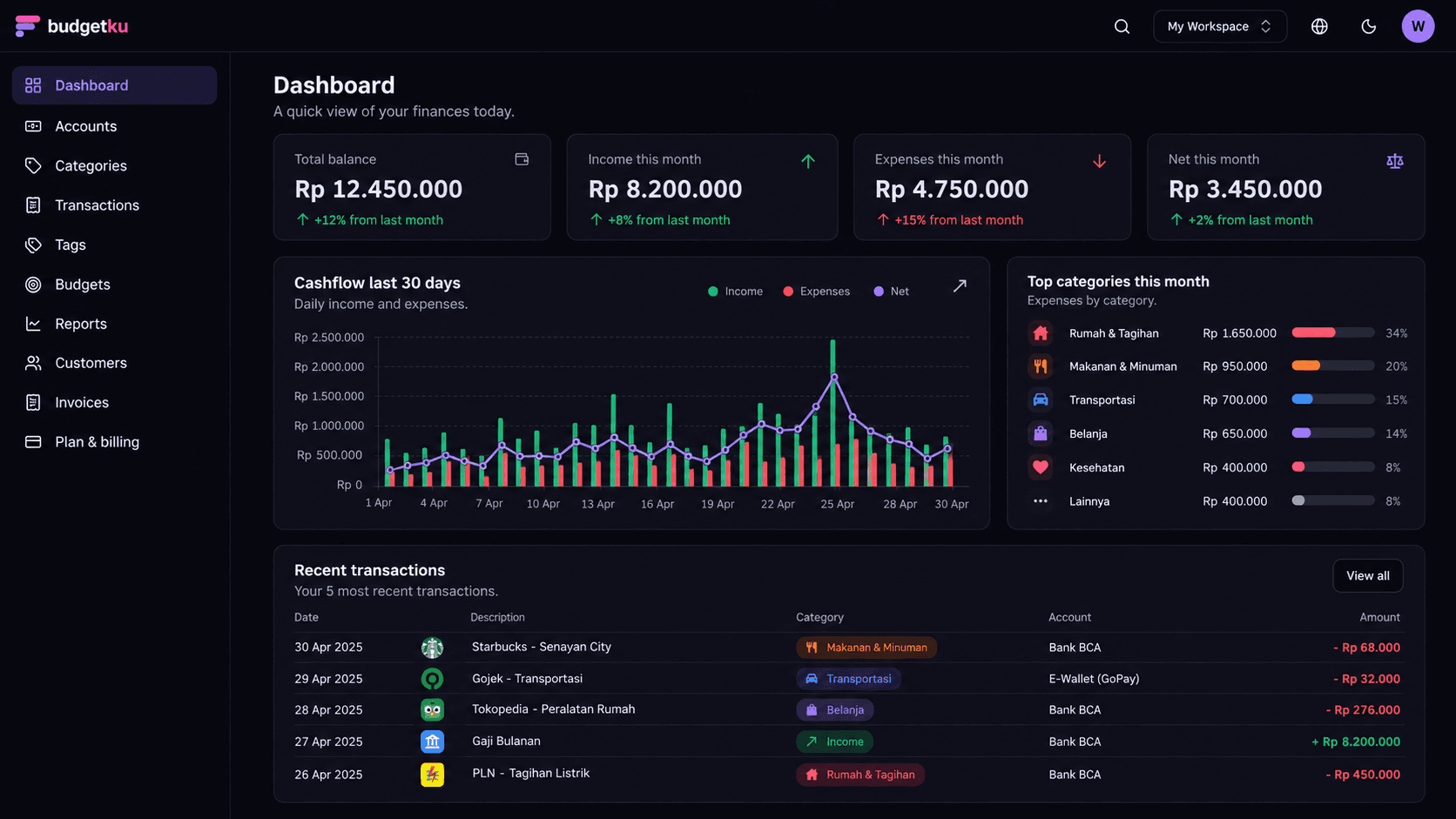
Create and Send Business Invoices
Invoicing in Budgetku suits service businesses, freelancers, and small businesses that bill customers regularly. The flow: add a customer, create a draft invoice, fill in the items with quantities and prices, then publish it. On publishing, the invoice gets an automatic number, its items are locked, and customers with an email address on file are notified by email. You can also print the invoice or save it as a PDF, and share it through a public link.
Record Partial Payments
Payments don't always arrive at once, for example a 50% deposit followed by the balance when the work is done. Record each payment with its date; Budgetku adds up what has been paid, shows the remaining balance, and marks the invoice Paid once the total is covered. If you record a payment into one of your accounts, the matching income transaction is created automatically. Invoices that pass their due date unpaid are marked Overdue.
Manage Tax on Invoices
VAT (PPN) is calculated per line using the Indonesian e-Faktur convention: each line's tax is rounded first, then the lines are added up. The default 11% rate can be changed per item, including to 0% for items that aren't subject to VAT. The invoice summary shows the subtotal, VAT, total, amount paid, and remaining balance.
Recurring Invoices and Business Identity
On the Business plan, you can schedule recurring invoices weekly, monthly, quarterly, or yearly, with the option to send them to the customer automatically. Invoices can also carry your logo, business address, tax ID (NPWP), bank details, signature, and company stamp. Invoices on the Free plan carry a Budgetku watermark; Pro and Business invoices don't.
Available invoice features
- Customers, draft invoices, and publishing with automatic numbering.
- Draft, Sent, Paid, Overdue, and Void statuses, with partial payments recorded.
- Per-line VAT calculation with a rate you can change per item.
- Print or save as PDF, plus a public link for your customer.
- Recurring invoices and your logo, signature, and stamp on the Business plan.
Why manage invoices in Budgetku
- Bills and payments can be reviewed alongside business finance records.
- Invoice status helps you see bills that still need follow-up.
- A payment recorded into one of your accounts becomes an income transaction automatically, so you don't update cash flow twice.
Questions about small business invoicing
How many invoices can I create on the Free plan?
The quota counts every invoice in the workspace, not per month: 1 invoice and 1 active customer on Free, 3 invoices and 3 customers on Pro, and unlimited on Business. Voided invoices don't count towards the quota, and neither do archived customers.
Is 11% VAT calculated automatically?
Yes. Each new item uses the default 11% rate, and VAT is calculated per line and then added up, following the e-Faktur convention. You can change the rate per item when needed. Budgetku calculates VAT on the invoice, but it doesn't create or submit e-Faktur tax invoices to the Indonesian tax office (DJP).
How does my customer receive the invoice?
When you publish an invoice, customers with an email address on file are notified by email. You can also copy the invoice's public link, or print it and save it as a PDF to send through another channel.
Can customers pay the invoice through Budgetku?
No. Budgetku records bills and payments, but it doesn't process payments from your customers. Once a customer pays by the method you agreed on, record the payment on the invoice so its status and your cash flow stay up to date. On the Business plan, your bank details can be shown on the invoice.
Ready to get your finances in order?
Sign up free, no credit card needed. The Free plan covers unlimited accounts and transactions, monthly budgets, and cash flow reports. Upgrade only when you need more.